AVAILABLE NOW
 Lisvaro
About the app
What you will find inside.
Lisvaro About the app
What you will find inside.
Lisvaro does not search for products and does not compare shops. You give it the address of one specific page and the app watches that price: the one on the listing you chose, in the shop you chose. If the listing offers several options —sizes, colours, flavours—, you pick the one to follow; if you do not, the app tells you which one it took.
Anyone arriving expecting a deal search engine will leave disappointed. Anyone who wants to watch one specific price will not.
What you will find inside.
 Getting started is pasting an address
Copy the address of the product page in the shop and paste it into the app. Or, while you are browsing a shop —in your browser or in the shop's own app—, use «Share» and pick Lisvaro: it opens with the address already filled in. When you add it you decide what to do with it: track its price, or save it to the wishlist, which keeps its photo, its name and the price it had that day and is never checked again.

 Alerts
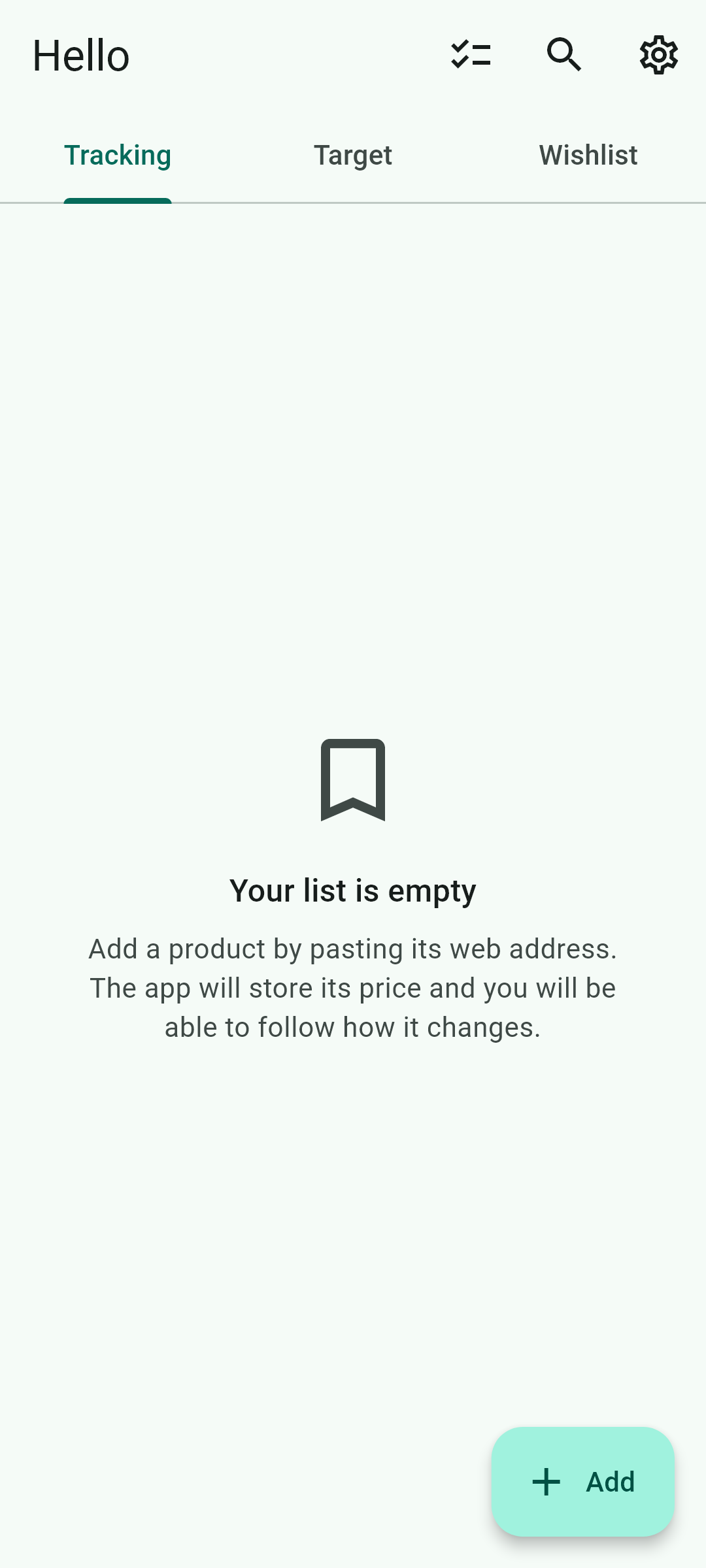
Each product can have several alerts, of three kinds: by price, when it reaches the figure you set; by discount, when the percentage is reached; and back in stock, when the shop restocks something that had sold out. When one is met, your phone notifies you even with the app closed, and tapping the notification opens the item. There is a second signal that lasts longer: in the list, that card stays green for as long as the price keeps meeting the alert.
 The product page
Everything the app knows about a product, on one screen: the photo, the price now, how far it has fallen from the thirty-day high, the chart, the alerts and your note. The name comes from the shop and cannot be changed, on purpose, so you always know which item you are looking at; what is yours goes separately, in a note only you see, which also appears in the list.

 History and chart
Every reading is stored on the phone and drawn on the item, and that history is what makes a real thirty-day discount possible to work out. Tapping the chart opens it large: you pick the range —seven days, thirty or everything—, run your finger along it to see each day's price, and see how far you are from your target.

 Your list, in three tabs
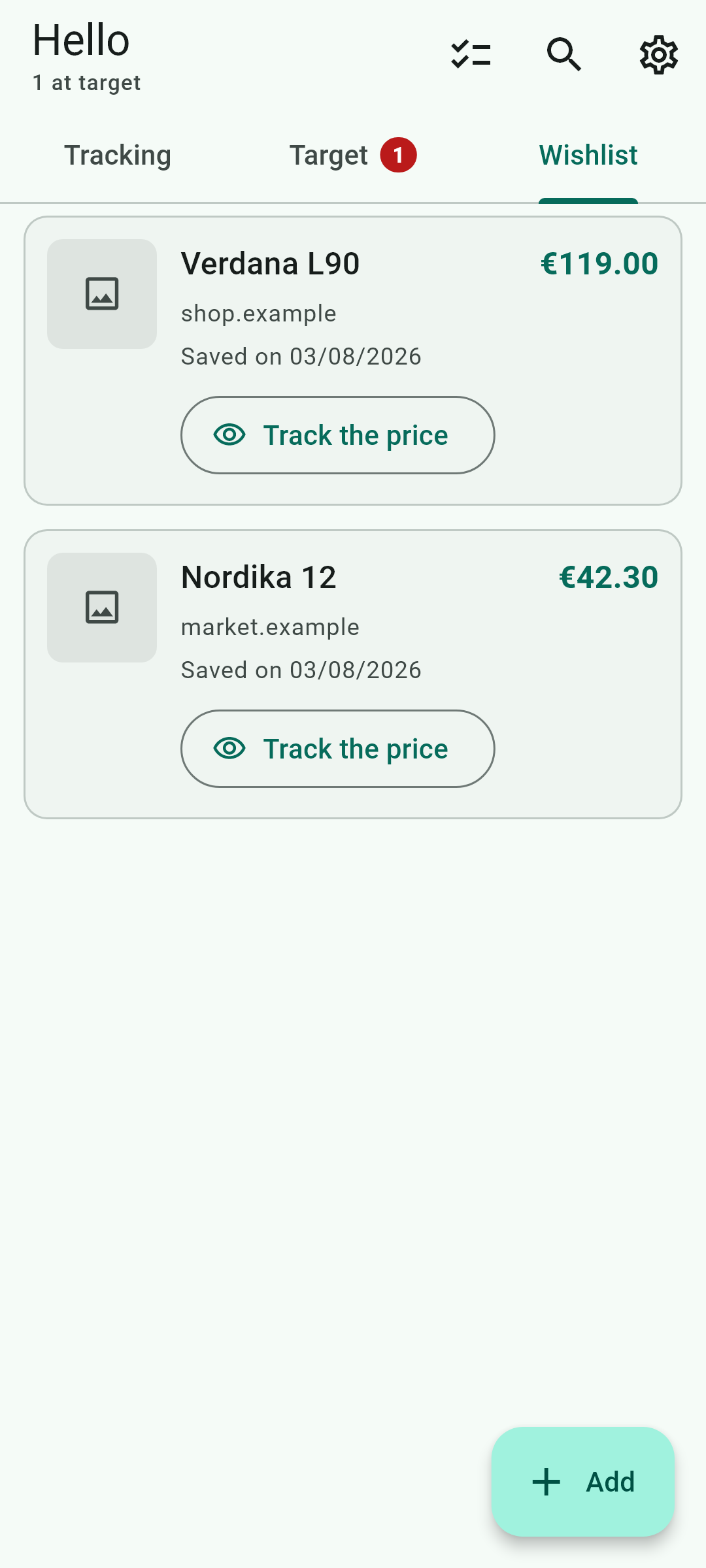
Tracking is what you are watching: the cards go in whatever order you want, by dragging them, and the pin nails one to the very top. Target gathers the ones currently meeting one of their alerts, and they come and go on their own: if the price rises again, the card disappears from there without you doing anything. Wishlist is what you saved without watching, and it does not count towards the number of items you can track.

 The search
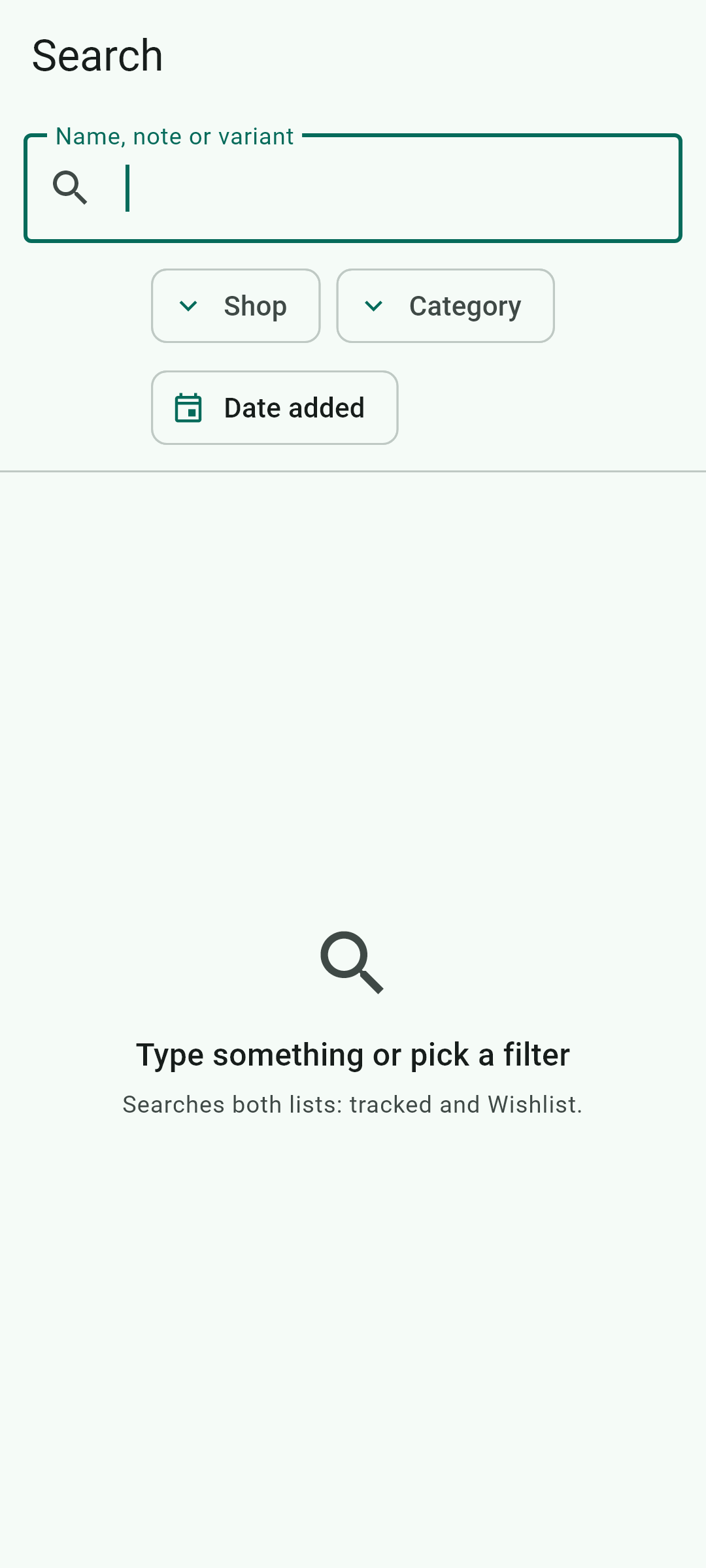
It filters among your own items by name, by shop, by category, by the date you added them and by whether they are in the wishlist. It does not search the internet: it searches what you have already saved.
 You create the categories
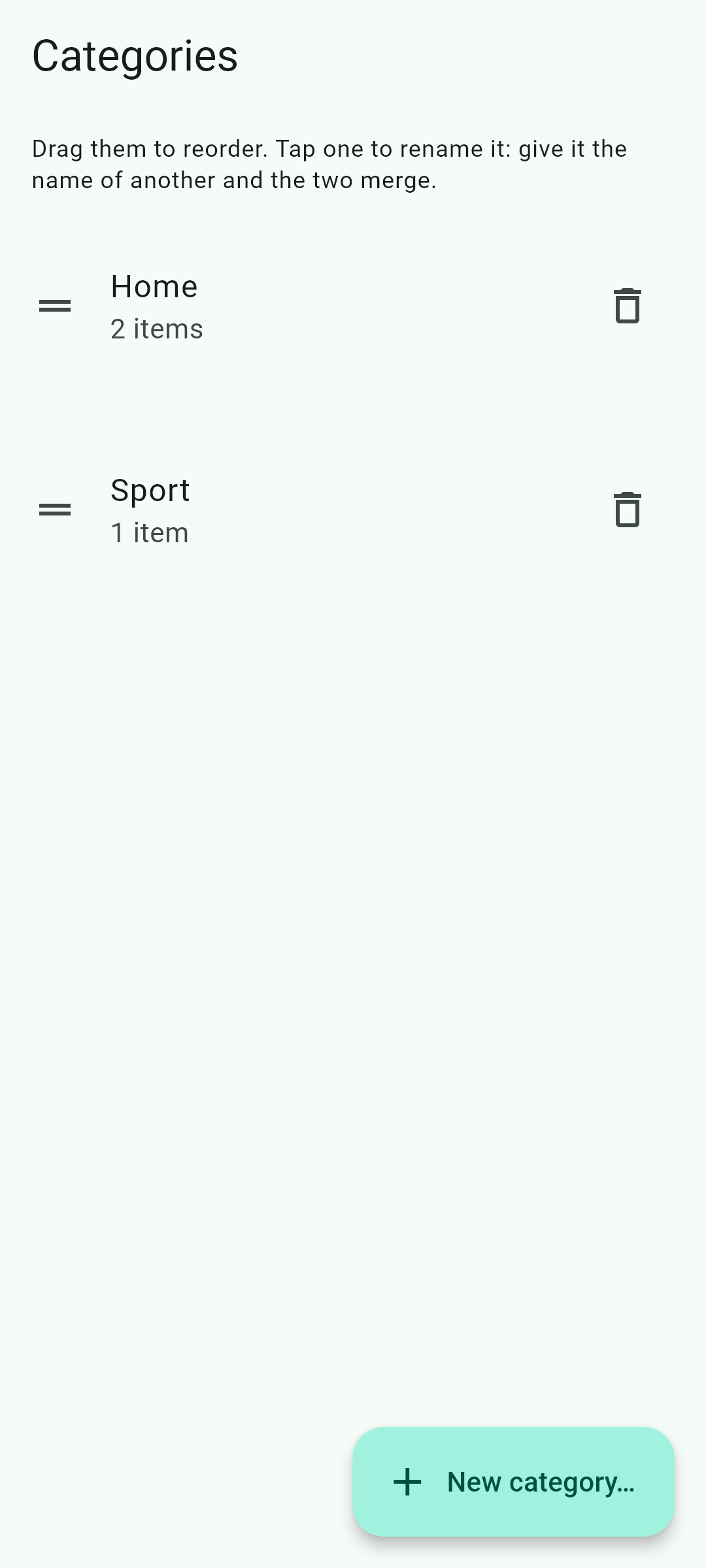
The app proposes none and does not guess which one belongs to each item, and that is deliberate: shops call the same thing five different ways in five languages, and an automatic category ends up a catch-all. You create them, order them, rename them and merge them.
 Automatic checking
The app checks prices on its own, even when closed. You can set the frequency for each item, or for all of them at once, from once an hour to once a day. At least one hour always passes between two checks of the same product, out of courtesy to the shop and because checking more often spends battery and data without almost ever finding anything new. And it has to be said plainly: the exact moment is decided by Android, not by the app, so the frequency you pick means «no more often than this», not «exactly this often».


 Battery and background
To alert you with the app closed, the system has to let it wake up, and many phones stop it to save battery. The app detects your phone's manufacturer and gives you the specific steps for that phone, with a button that opens the system screen where it is changed. And it warns you by itself if it has gone too long unable to work.

 When a shop cannot be read
Some shops stop publishing the price, change the page or refuse the request. The app explains what happened and, instead of insisting, spaces the attempts out to once a day; it returns to the normal rhythm as soon as one reading succeeds. If the shop asks to check there is a person behind it, it shows it to you so that you solve it: it never does so on its own.
 The log
The app keeps a log of what it does: when Android woke it up, what it checked and what failed. You can see it from the settings and copy it whole with one button, to paste into a message to support. That diagnoses in a minute what takes five emails otherwise.

There is no account and no sign-up: your items, their history, your alerts and your notes live on this phone, not on any server of ours. For each item the app also keeps what the shop publishes openly —its description and its rating— so you can recognise it months later; it is never used for anything automatic. If you have written in Settings how you want the app to address you, that name is kept here like everything else: it is only used to greet you in your list, it never goes to any shop and it never appears in alerts. The only connection to a server of ours is the one that asks permission to read eBay listings, and it carries nothing about which products you follow. Product images are off by default; if you turn them on, they load from the shop’s website.
Read the privacy policyBetter said here than disappointing anyone later: